AI Halloween costume from your selfie
Upload a selfie, pick witch, zombie or anime, and the AI dresses you up for Halloween in about 20 seconds. Your face and background stay; the costume and makeup change. First one is free (with a small watermark).
Credits: 5 per image, no watermark, no daily limit. Pick a pack:
Need a Halloween profile picture without buying a costume? Upload one selfie and this AI Halloween filter dresses you as a witch, a zombie or your own anime character. It is a Halloween AI photo made by an image model, not a flat sticker: your face, hair and background stay, the costume and makeup are painted on. Three looks, no app, no account for the first image.
Examples: AI Halloween costume before and after
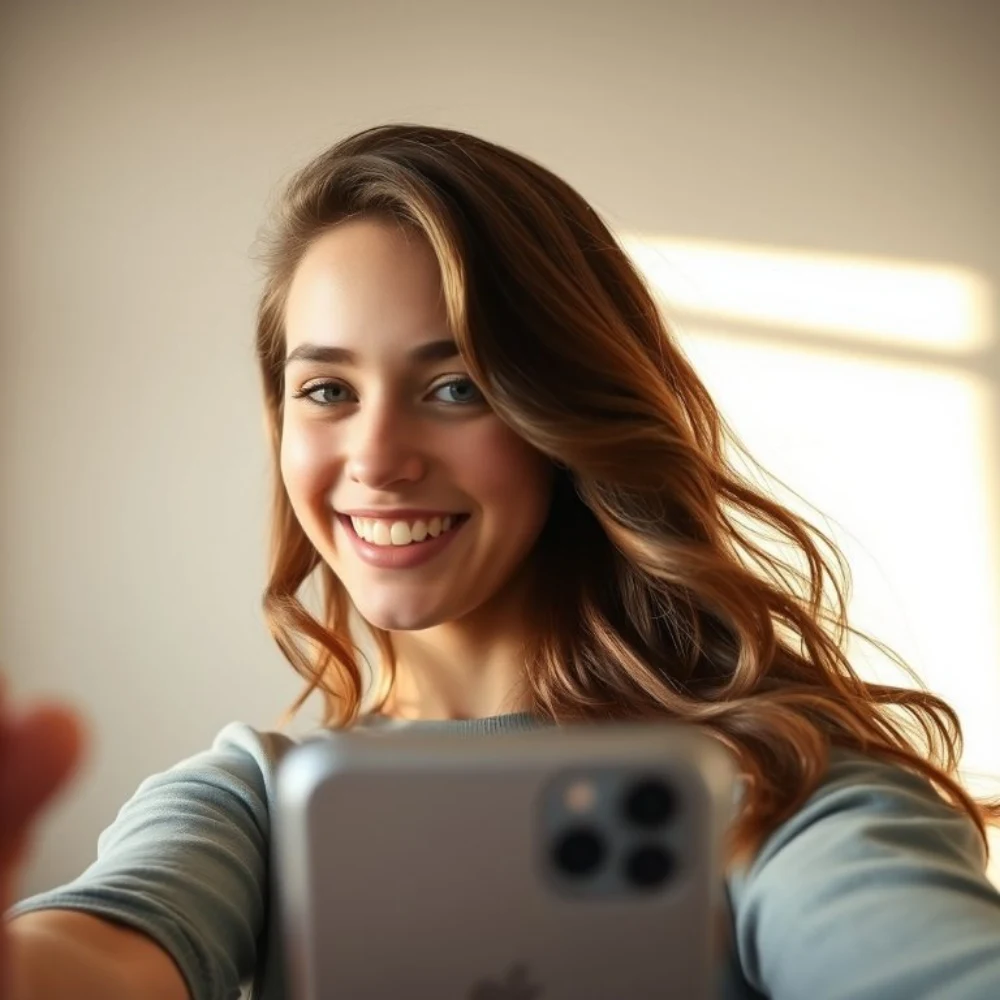
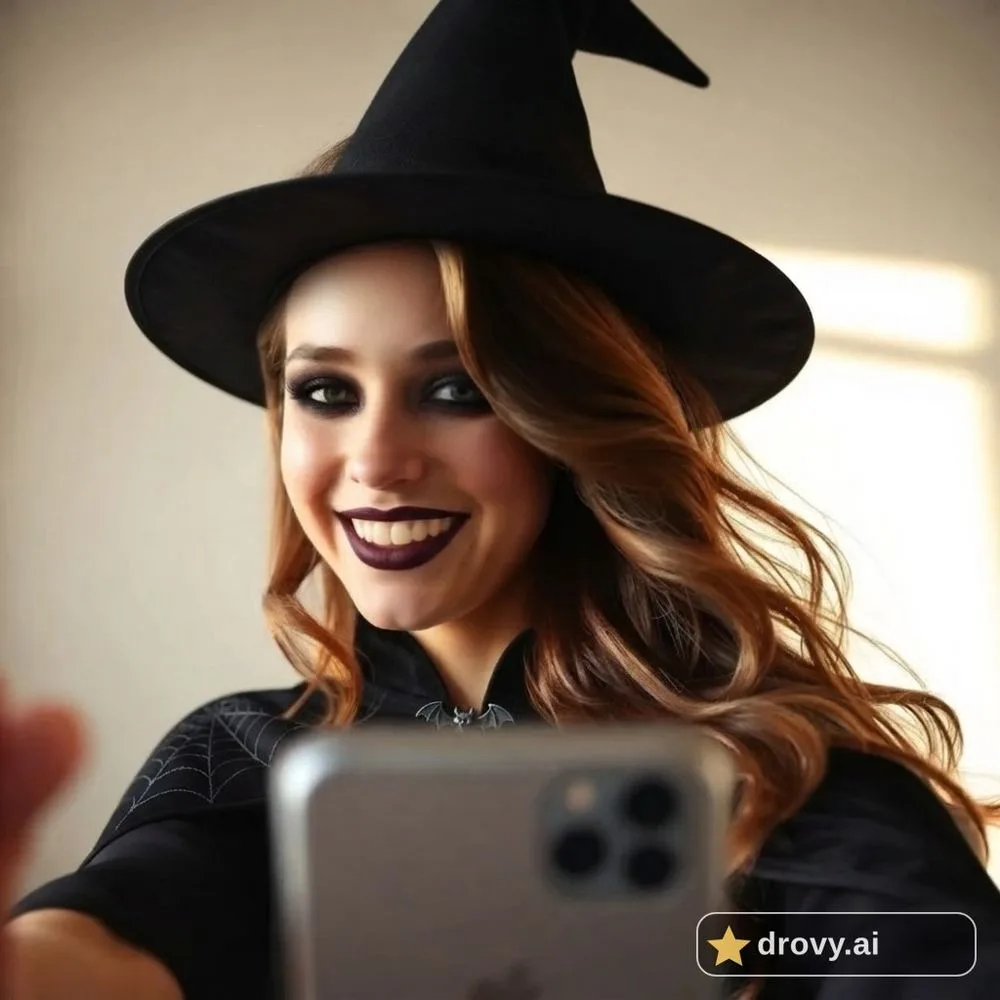
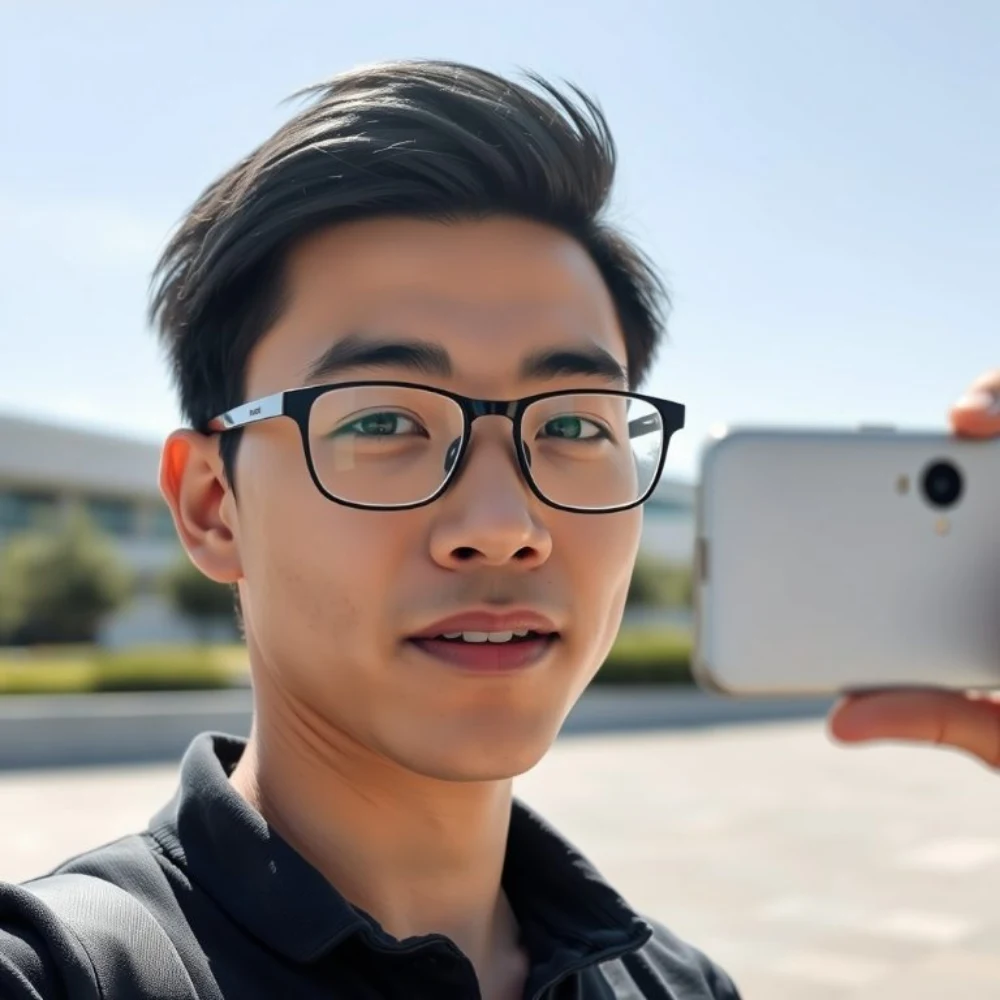
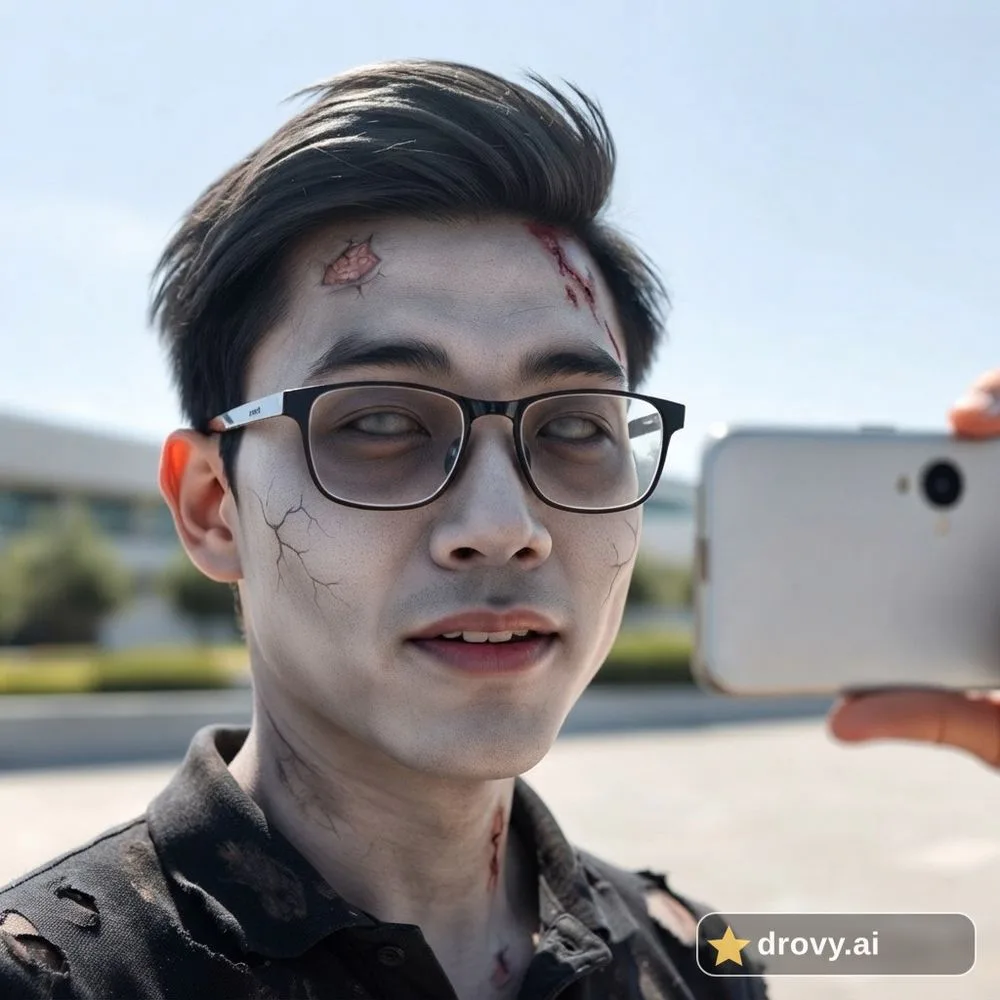
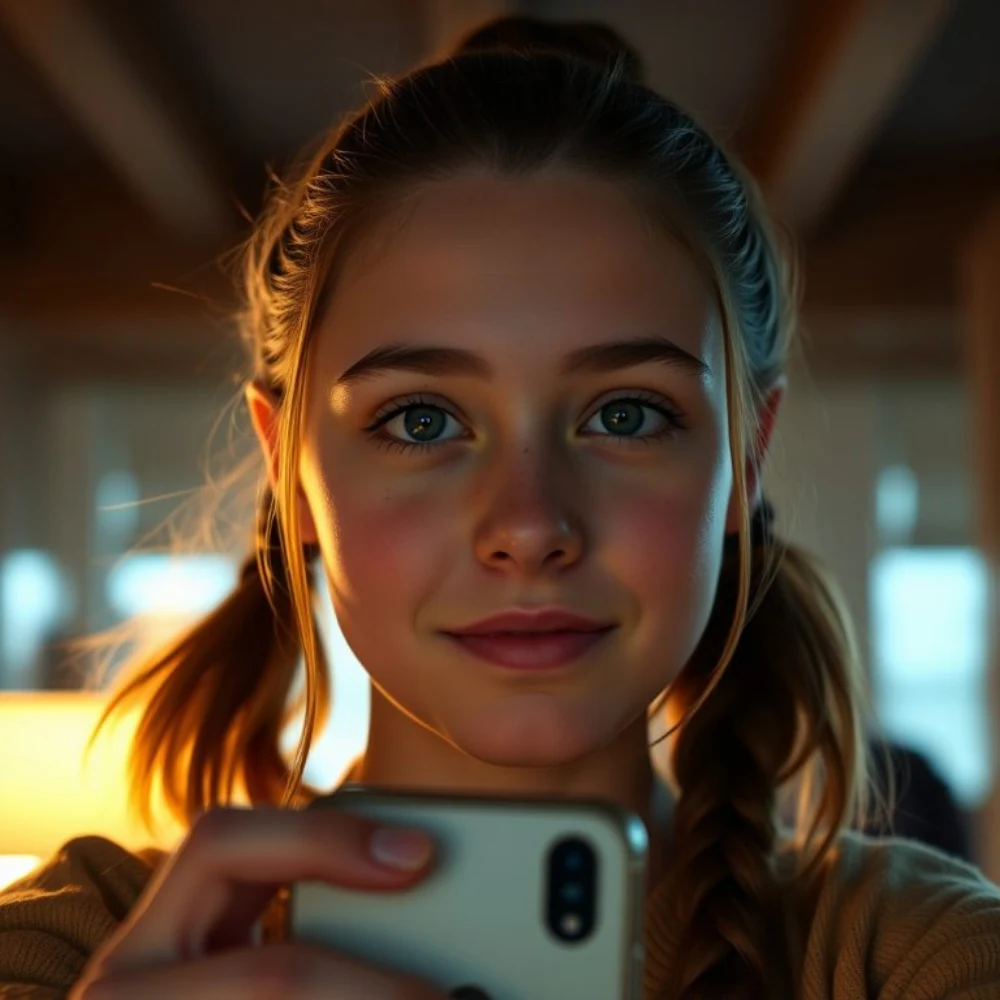
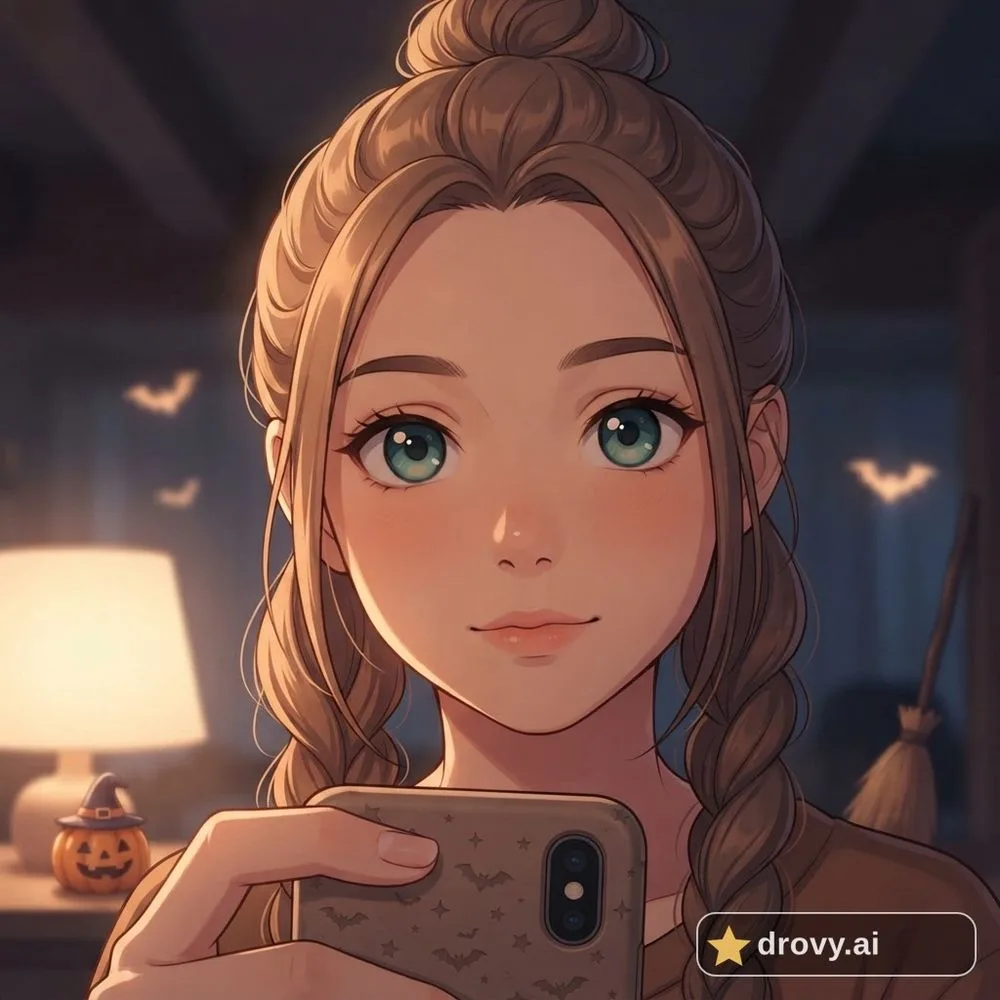
More free tools
- AI crochet filter: your photo as a crochet amigurumi doll — The crochet AI trend: your selfie, group photo or pet remade as a yarn amigurumi doll in the same scene.
- Which anime character do I look like? — Your top-3 anime lookalikes with a reason each, plus you as an anime sticker sheet in three styles with star eyes.
- Anime Star Face & Eye Sticker Selfie — The TikTok anime star face look on your own selfie: glossy star eyes plus small anime eye stickers.
How it works
- Upload a clear selfie (JPG, PNG or HEIC, up to 8 MB). One face, looking at the camera, works best.
- Pick a costume: Witch, Zombie or Anime character. Then tap the button once. The AI keeps your face and background and changes the costume and makeup (the anime option redraws you as your own anime character).
- Save or share the result. Your first image each day is free with a small watermark; credits remove it.
FAQ
What is an AI Halloween filter?
An AI Halloween filter takes a normal photo and redraws it in a Halloween costume: witch hat and makeup, zombie makeup, or an anime version of you. Unlike a sticker filter in a video app, an AI image model repaints the costume onto your real face, so it follows your head, hair and lighting. This page is a free AI Halloween photo maker with three costumes.
Which costumes can I pick?
Three for now: Witch (pointed hat, dark dress or cloak, smoky witch makeup), Zombie (pale zombie makeup, hollow eyes, torn clothes, costume-style and not gory) and Anime character (you, redrawn as your own anime character with a small Halloween touch). Make one, tap Make another and try the next costume.
Does the witch AI filter keep my face?
Yes. The prompt tells the model to keep your face, skin tone, hairstyle, expression and the background, and to change only the costume and makeup. The result is still an AI drawing, so small details can shift; a clear, well-lit selfie gives the most faithful witch look.
How scary is the zombie AI filter?
Costume-party scary, not horror-movie scary: greyish skin, dark eyes, some cracked skin and a little fake blood, torn clothing. The model is told to keep it fun and costume-like and not gory, so the result is fine to post as a Halloween profile picture.
Is the anime costume a real anime character?
No. The anime option draws you as your own anime character: anime style, your face shape, hair, glasses and clothing colours, with a Halloween touch. It is told not to draw or imitate any existing anime character, logo or mascot. If you want to know which anime character you look like, use our anime lookalike page instead.
How long does an AI Halloween photo take?
Usually 10 to 30 seconds per costume. If the daily budget is used up, the tool pauses until the next day (UTC).
Is it free?
Your first image per day is free and carries a small drovy.ai watermark. Removing the watermark, or making more images the same day, uses credits (5 per image).
What happens to my selfie?
It is sent once to the image model with storage disabled on the provider side, and our copy is deleted as soon as your result is ready (at the latest within 48 hours). Results are deleted after about 7 days. We do not use your photos for training.
Why is there an invisible watermark too?
Every image made with Google's image models carries an invisible SynthID mark that identifies it as AI-generated. We cannot remove it and do not try to.
Can I use a photo of someone else, or a group photo?
Only your own photo or one you have permission to use. Group photos are not what this tool is tuned for: for the best Halloween costume, crop to one person first. Glasses are fine; they stay in the picture.